
FunPay, but finally built for sellers.
A browser extension that adds dark themes, auto-bump, sales analytics, custom notification sounds, and the dozen other fixes the platform forgot. Built by a seller, for sellers.


Every fix FunPay forgot to ship.
39 features, grouped exactly as they are in the extension settings. Pick one and see how it looks on FunPay.






Auto-raise offers
Automatically raises all your lots. Do not close your browser to work.
Raise notifications
Show a notification for every successful raise: both for the «Raise all offers» button and for auto-raise. Turn it off if you have a lot of sections.
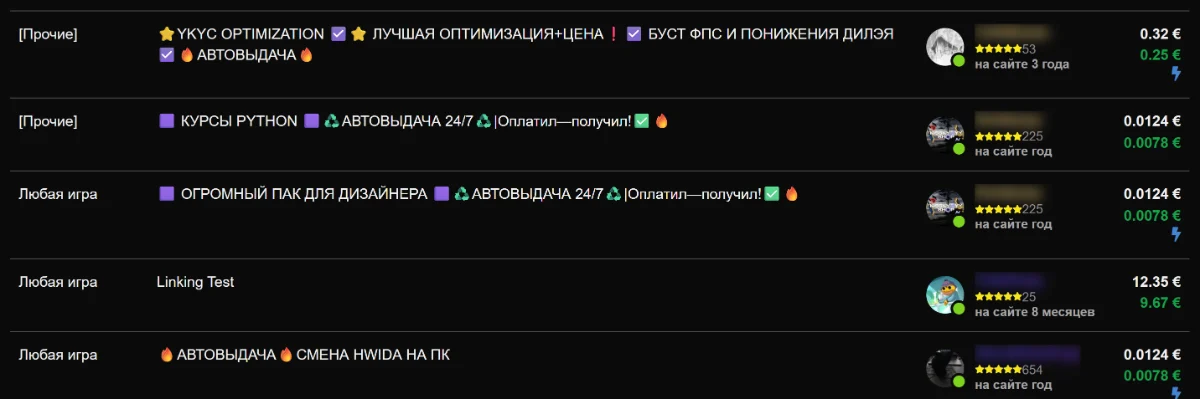
Display promo-lot icons
Displays icons of all promotional lots in the offer table, even hidden ones.
Exact price
Adds fields to the lot editing window for entering the price displayed for both the seller and the buyer.
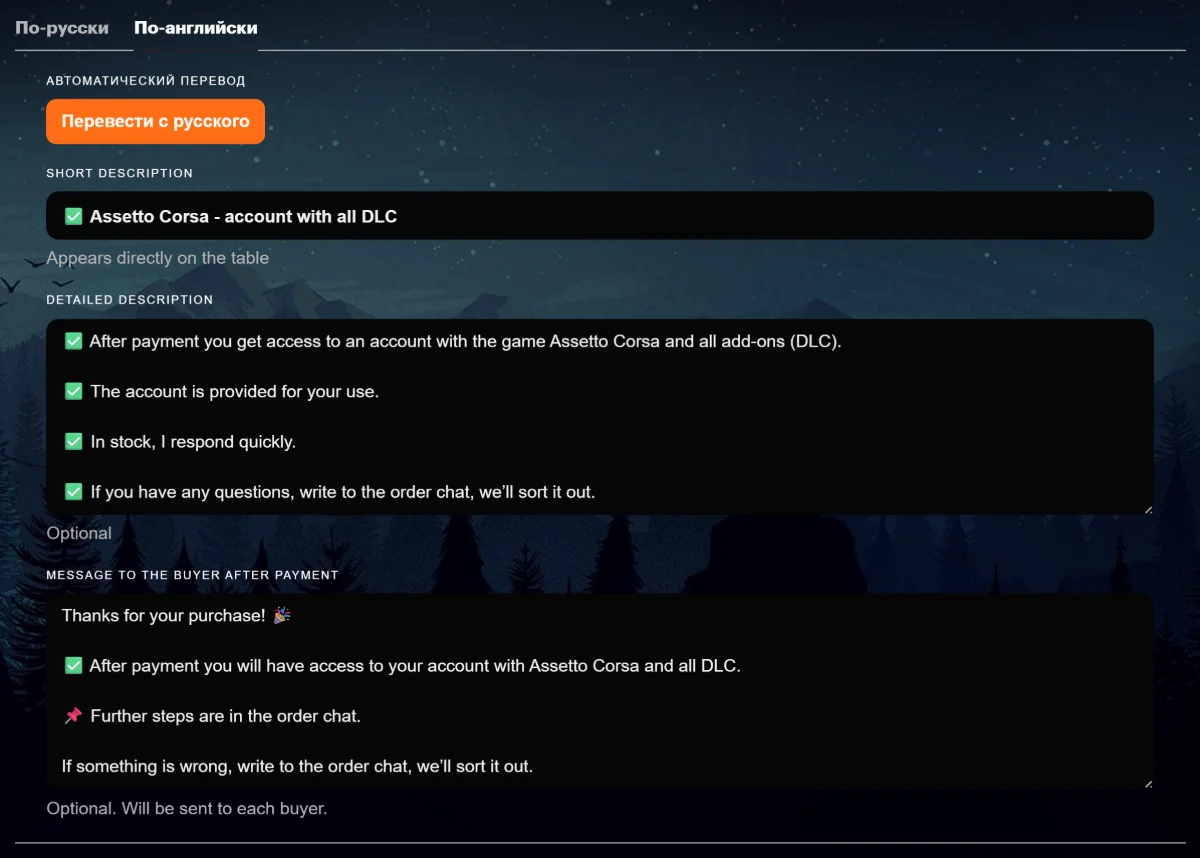
Translate lot to English
Adds a 'Translate to English' button on the lot edit page that fills the English title and description from the Russian copy.
Real lot prices
Under each lot's price in the section table, shows the real price: the amount without FunPay commission and payment-system fees (what the seller actually receives).
Bulk lot editing
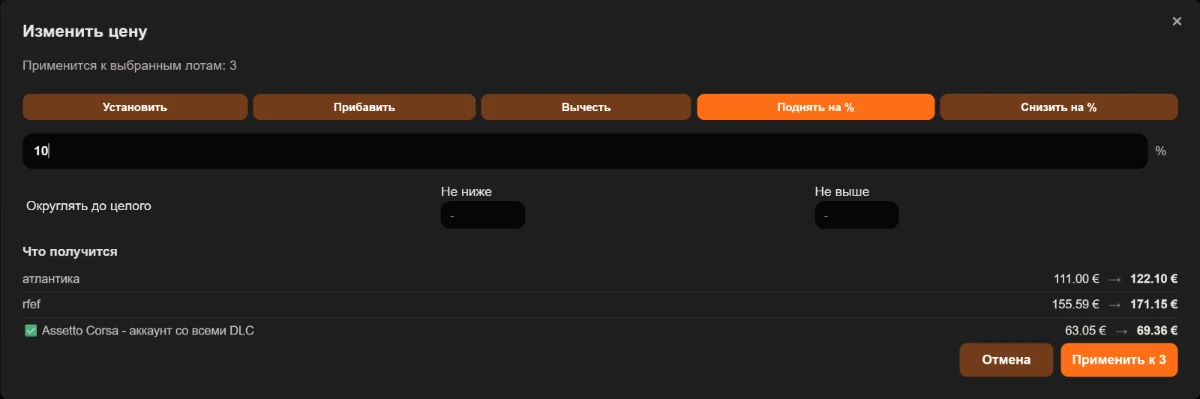
Adds a "Select lots" button to your offers page and to your own profile: pick any number of lots and switch them on or off, change their price, or delete them. Inside a section you can also drag lots into a new order, which is applied by recreating the ones that moved.
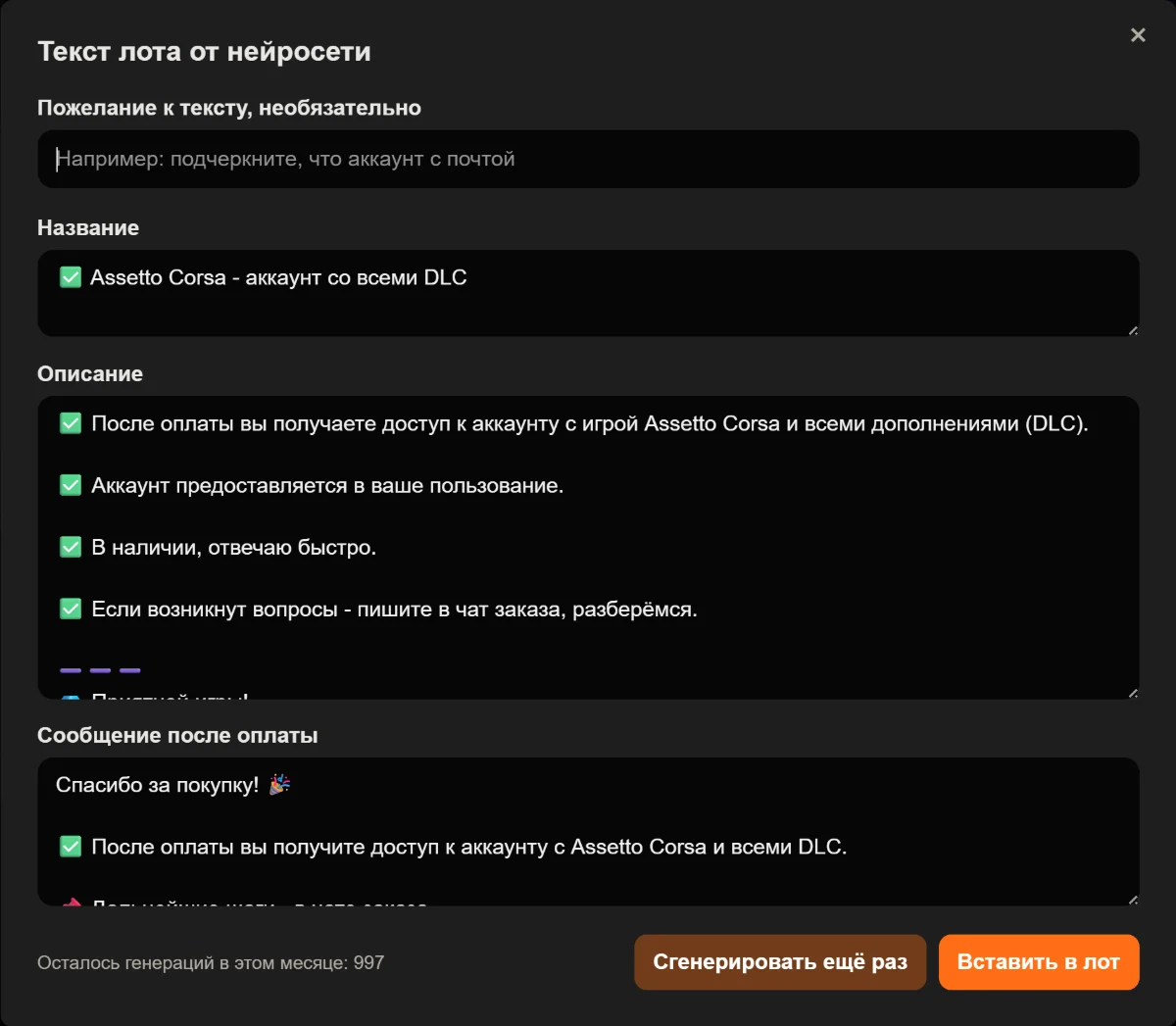
AI lot text
A button on the offer form asks the AI to write the title, description and post-purchase message from your lot data. The result appears in a separate window first, and nothing reaches the lot until you press insert.
Display section commission
Shows the FunPay commission percentage for the section next to the heading on your offers page.
Lot cost price
Adds a cost-price field with a currency picker on the lot-edit page and shows your net profit. The cost price is also included in the order export. Applies to existing lots.
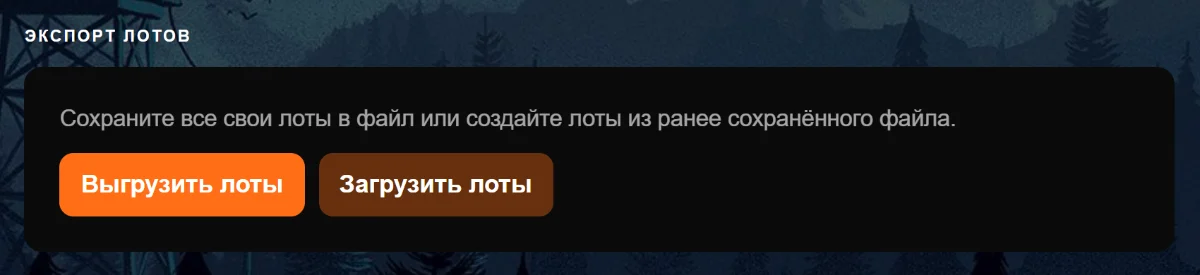
Lot export
Adds an «Export lots» button to your own profile page. It saves every lot and currency section to a single file, as JSON or Excel.
Lot import
The «Import lots» button creates lots from a previously saved file and accepts either format, JSON or Excel. Existing lots are never changed: only new ones are created.
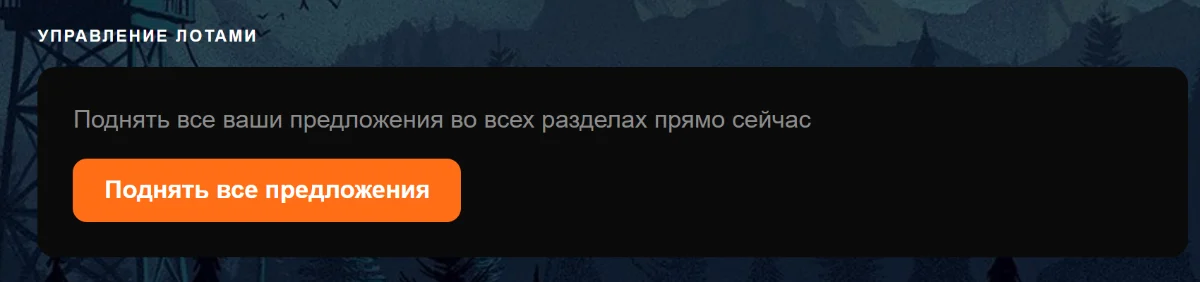
Lot management panel on profile
Show the «Lot management» panel with the «Raise all offers» button on your FunPay profile.
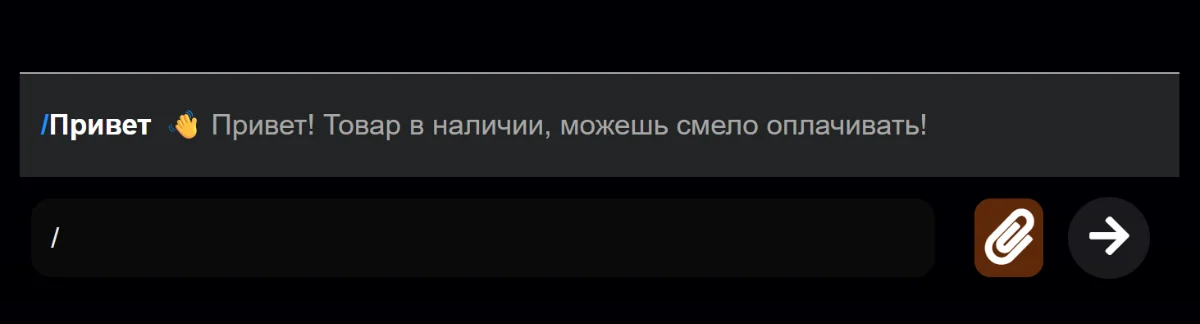
Fast Messages
Type / (slash) in chat to quickly send pre-written messages.
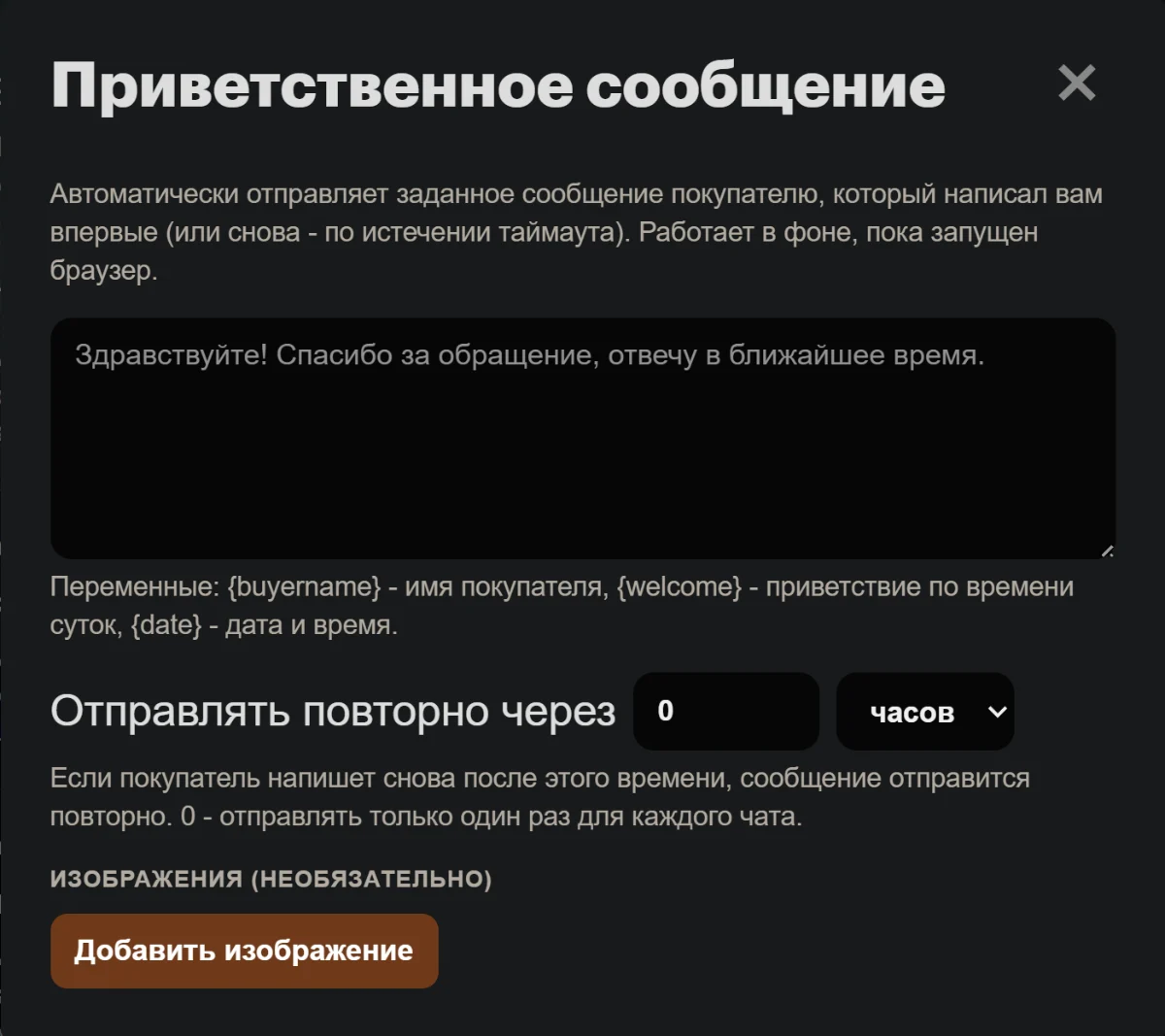
Welcome message
Automatically sends a preset message to a buyer who writes to you for the first time (or again, after the timeout). Runs in the background while the browser is open.
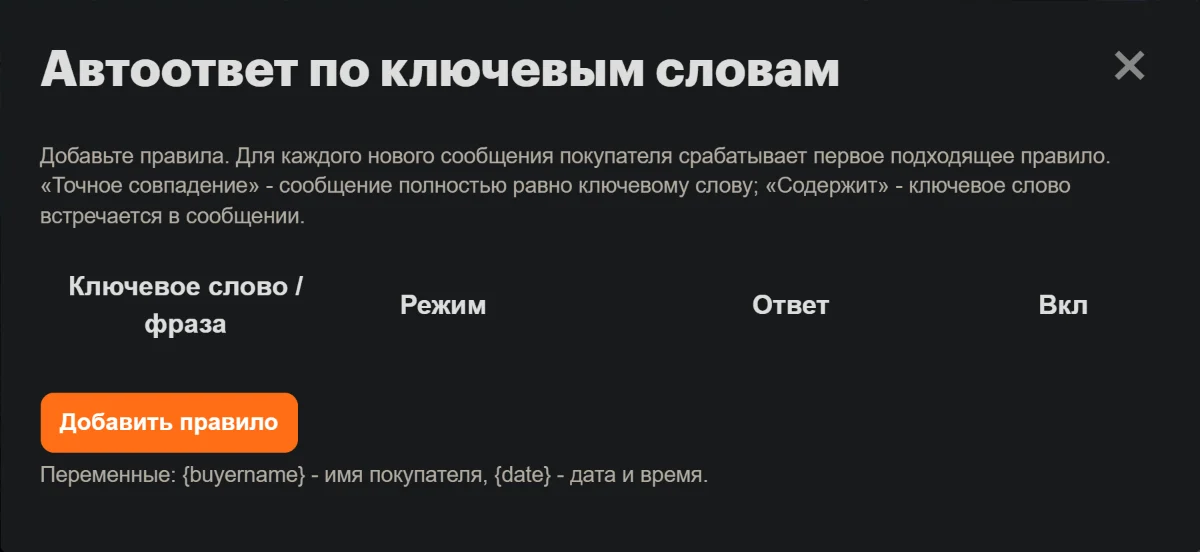
Keyword auto-reply
Automatically sends a configured response when a buyer's message exactly matches a command or contains a given word or phrase. Runs in the background while the browser is open.
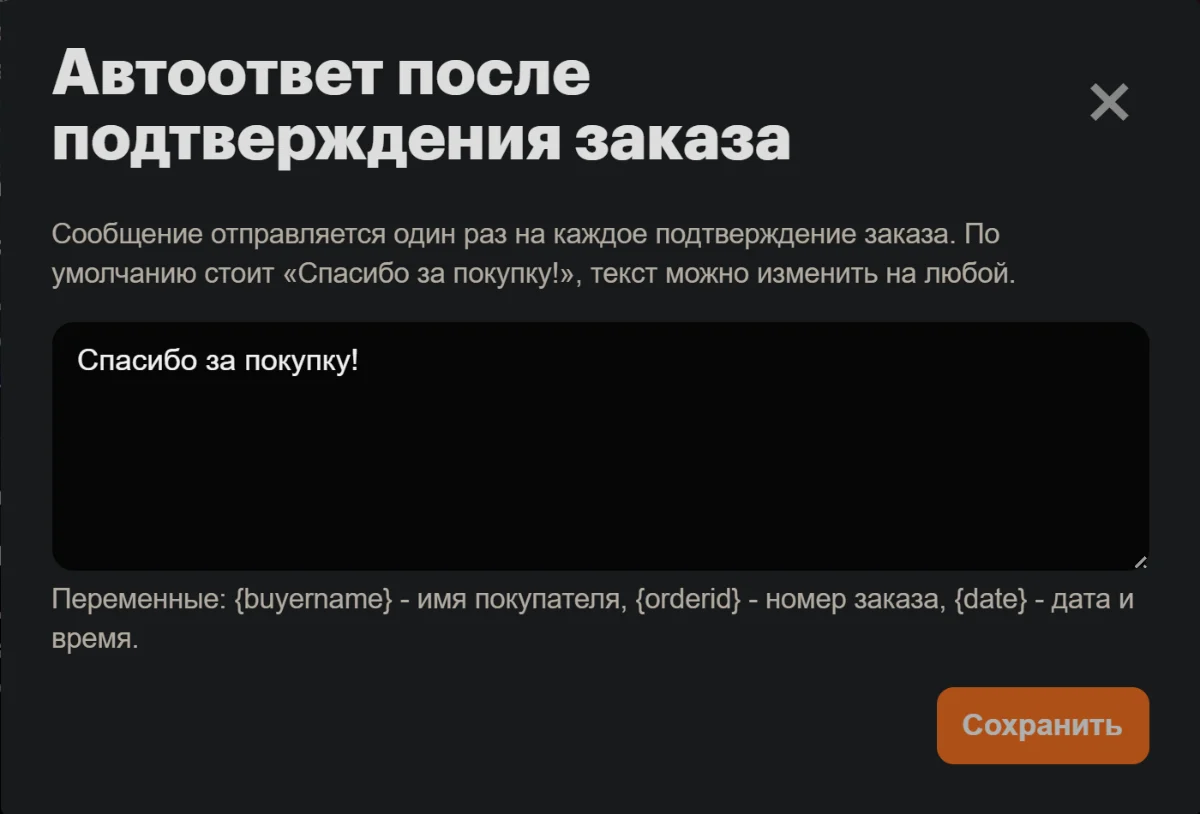
Auto-reply after order confirmation
Automatically sends a set message right after a buyer confirms an order. Runs in the background while the browser is open.
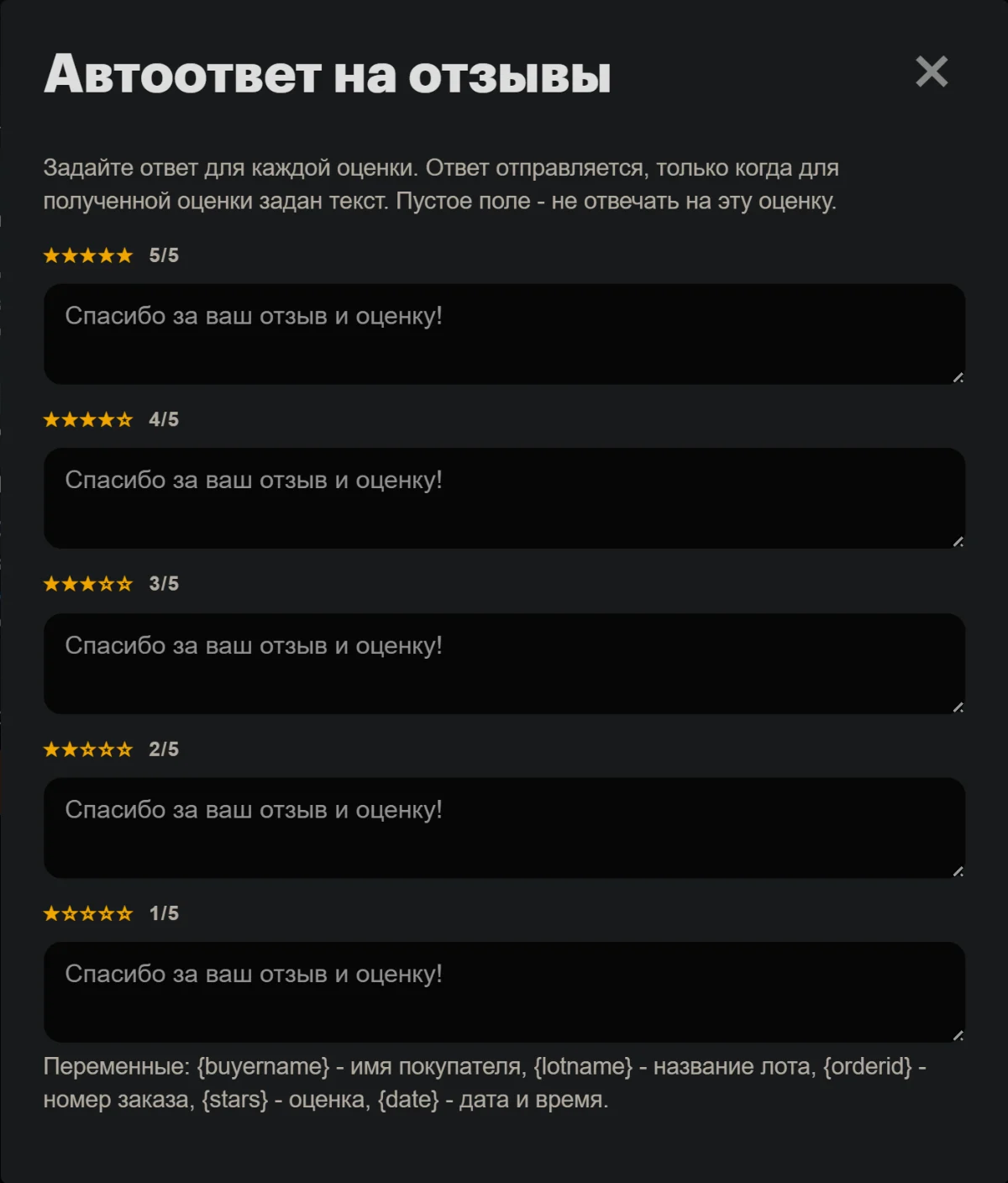
Auto-reply to reviews
Automatically posts a reply to a buyer's review on your order - a separate text per rating (1-5 stars). Runs in the background while the browser is open.
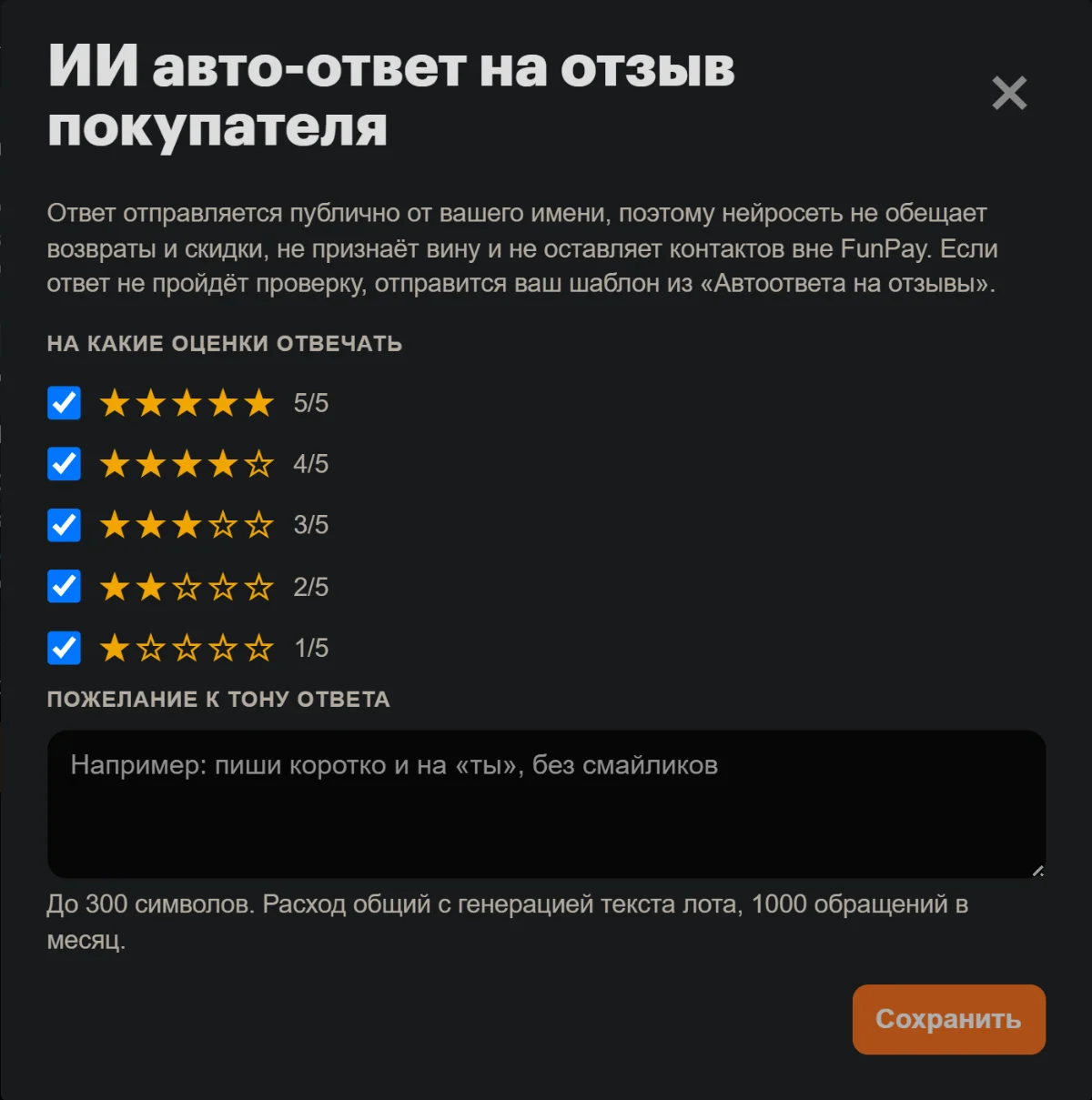
AI auto-reply to a buyer review
Answers a review with text written by AI from the buyer's own words instead of a fixed template. If the AI is unavailable, your template for that rating is sent. Runs in the background while the browser is open.
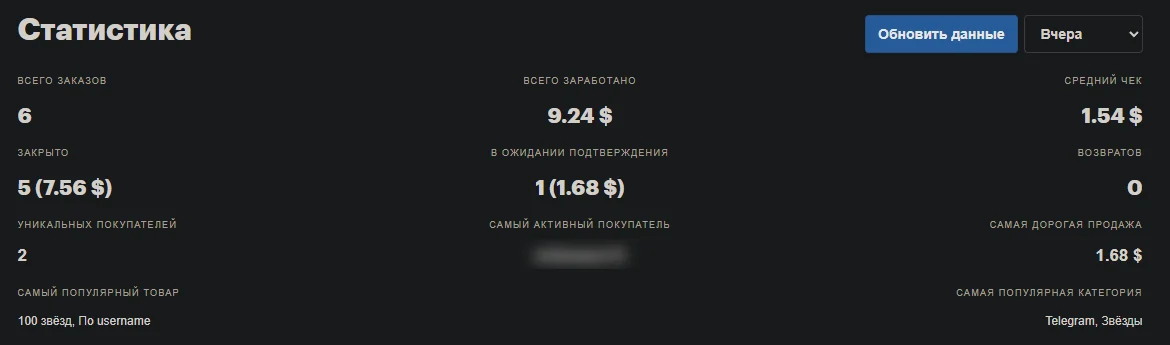
Display sales statistics
Adds detailed statistics to the Sales page.
Sales and purchase charts
Adds a «Charts» tab to the statistics panel: revenue and orders by day, plus breakdowns by category, status and currency. Pick the period; the numbers are computed from your own orders.
Copy order number
On the order page, adds a copy icon - click it to copy the order number.
Sales export
Adds the Export button on the Sales page.
Copy ID of unconfirmed sales
Adds the «Copy unconfirmed» button on the Sales page next to Export, for quick extraction of order numbers that buyers have paid for but haven't confirmed yet.
Support tickets to confirm orders
When a buyer doesn't confirm an order, the order page gets two buttons: «Send for confirmation» opens a FunPay support ticket for that order, «Add to confirmation list» puts the order on a list you send from the My sales page. Before anything goes out, the extension checks that the orders are still waiting for confirmation and shows you the ticket text.
Display purchases statistics
Adds detailed statistics to the Purchases page.
Purchases export
Adds the Export button on the Purchases page.
Finance statistics
On the balance page (/account/balance) shows statistics over your operations: income, expenses, net flow, a per-type breakdown and a chart.
Finance export
An export button for the operations history to Excel / JSON on the balance page.
Hide balance display
It can be useful when you need to share the screen, but do not want to show the account balance.
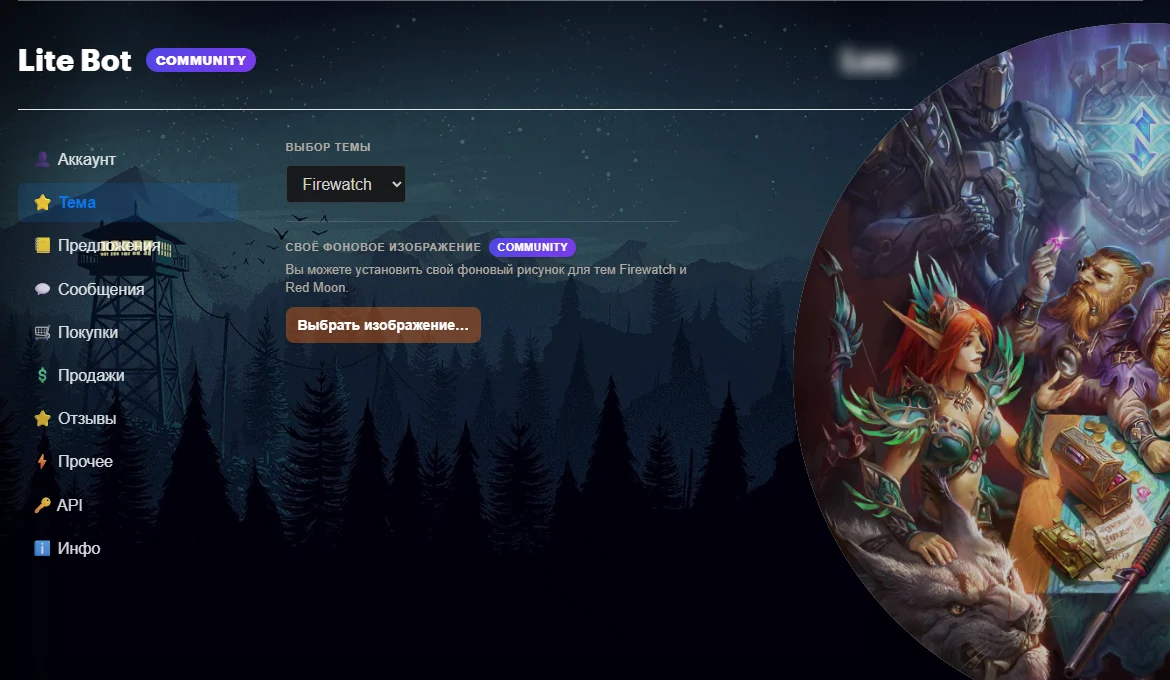
Theme picker
Light, Dark, Firewatch, Red Moon.
Custom background image
You can set a custom background image for the Firewatch and Red Moon themes.
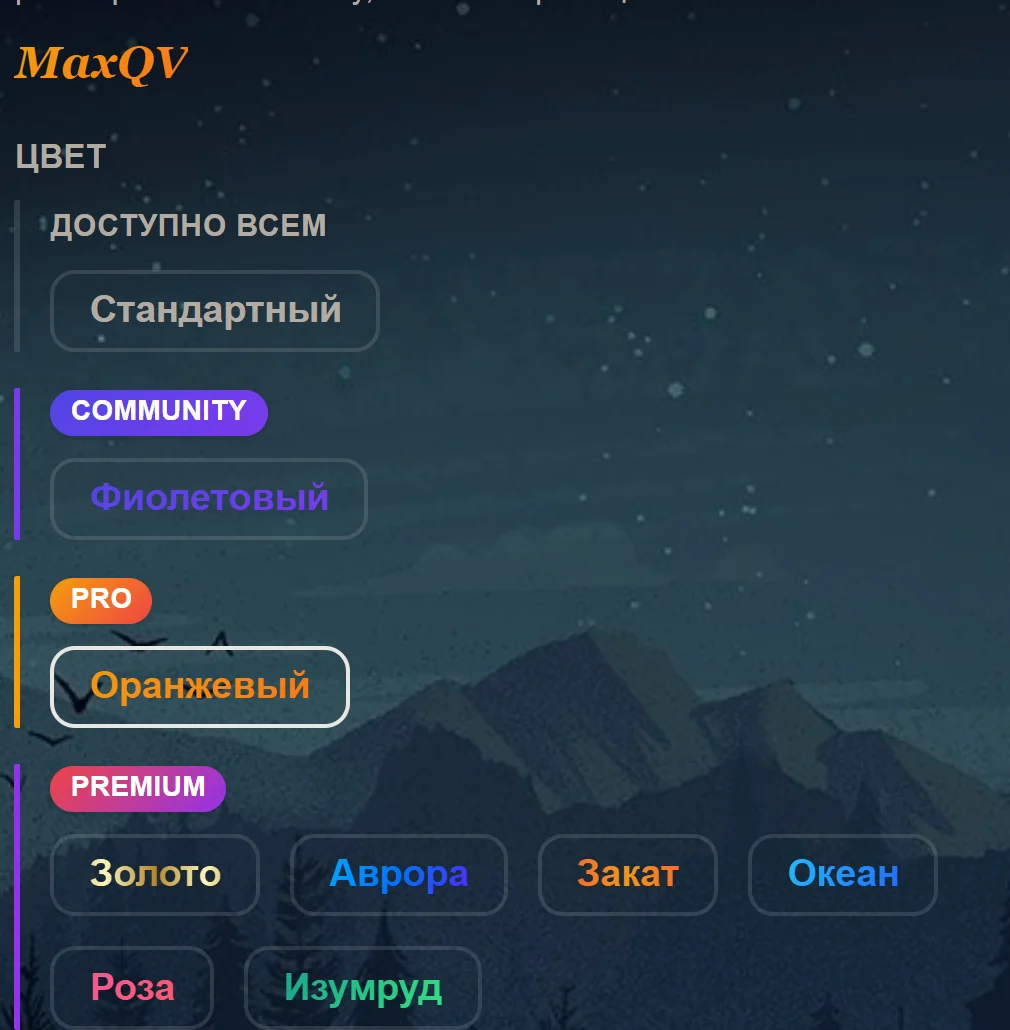
Public nickname styles
Pick a style for your nickname - every extension user sees it across FunPay, on every page.
Hide nickname styles
Don't show other users' public nickname styles anywhere except on their profile pages. Your own nickname style will be set to standard for all users.
Privacy mode
Blurs your nickname, the other person’s nickname, your balance and order numbers, so you can screenshot a page without painting over anything. Hover a blurred spot to read it.
Profile description
Tell others about yourself - this description is visible to all extension users.
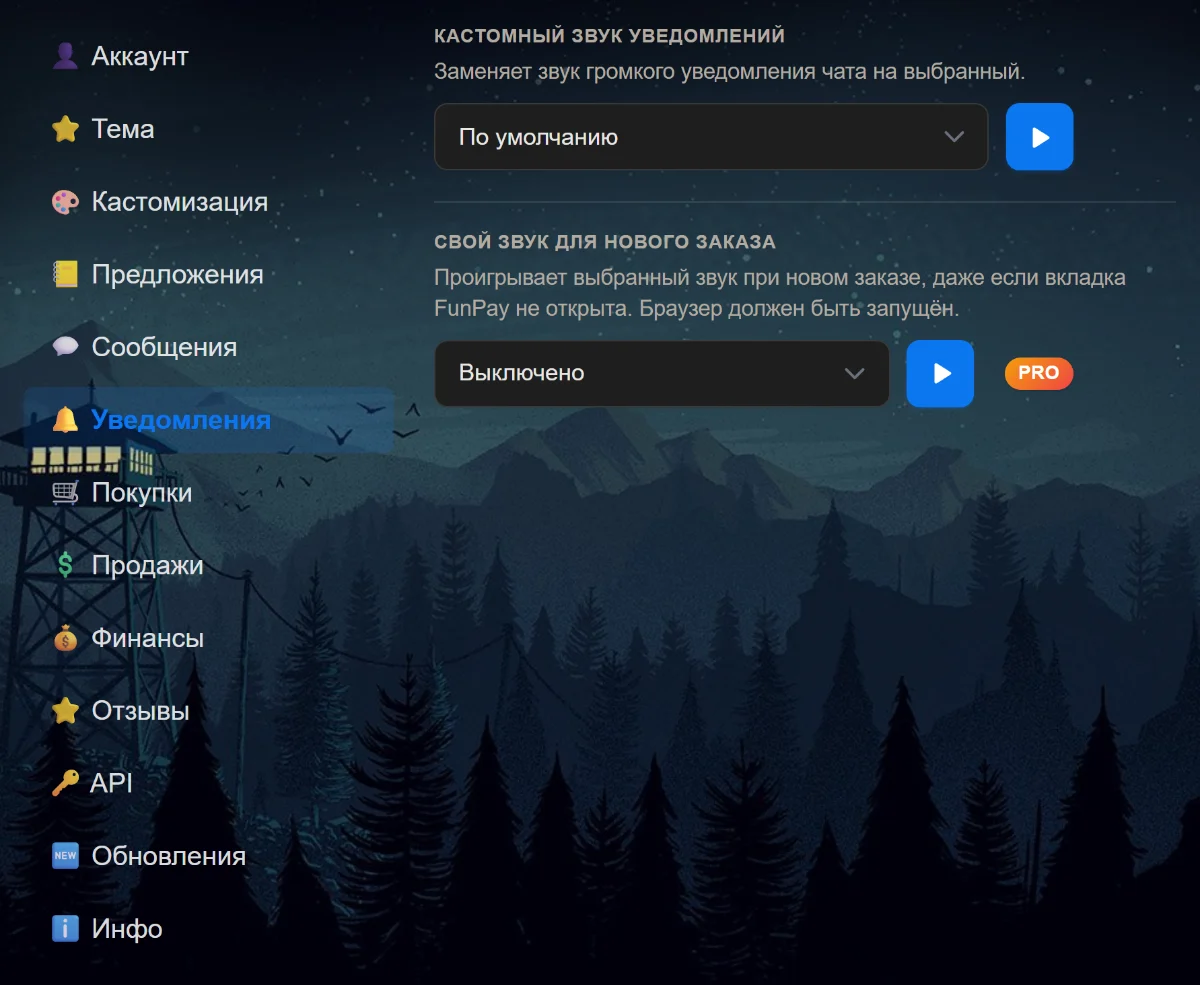
Custom notification sound
Replaces the loud chat notification sound to the selected one.
Custom sound for a new order
Plays your chosen sound when you get a new order, even when no FunPay tab is open. Keep your browser running.
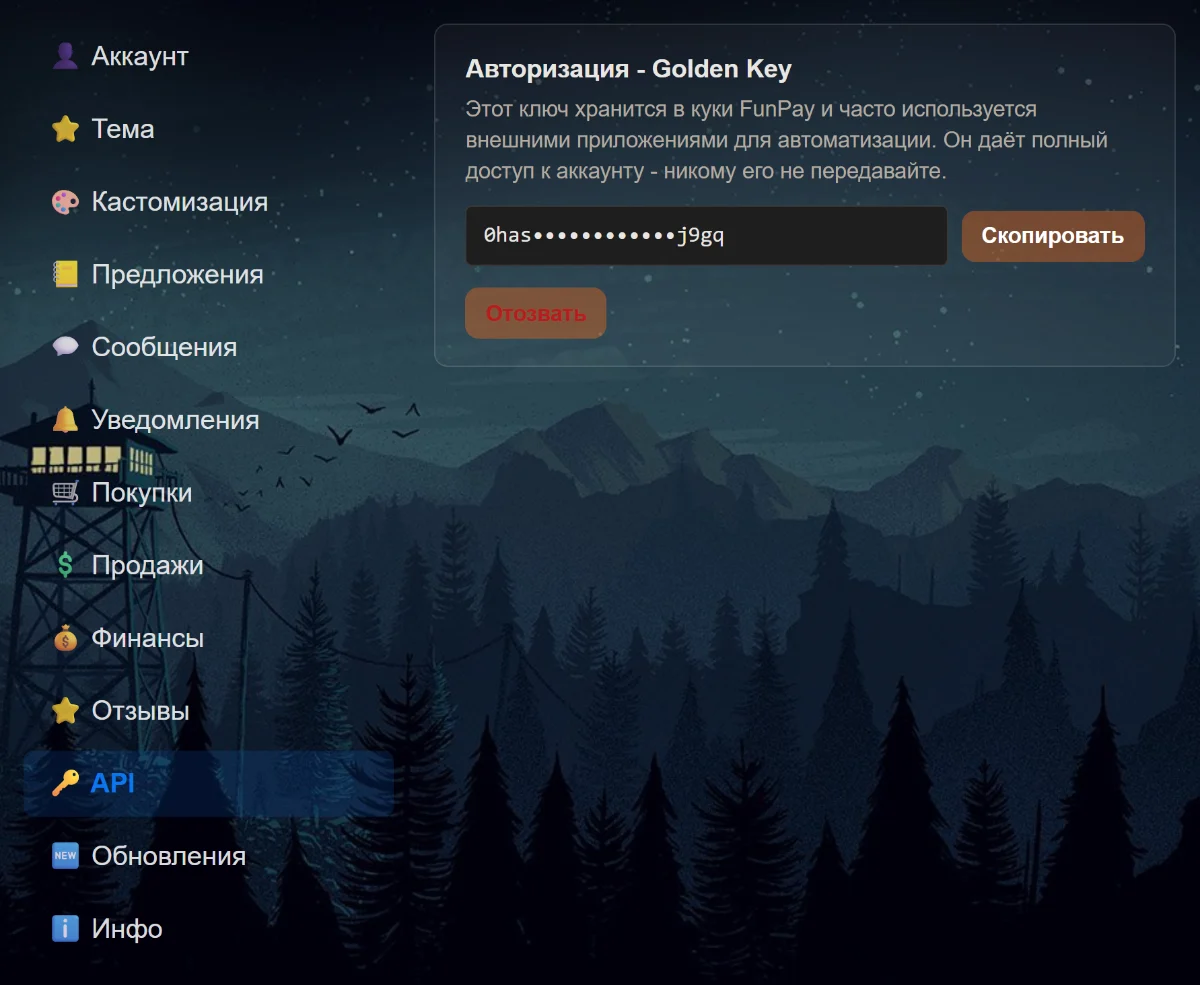
Authorization - Golden Key
This key is stored in your FunPay cookies and is often used by external automation tools. It grants full access to your account - never share it.
Cycles on its own, hover to stop