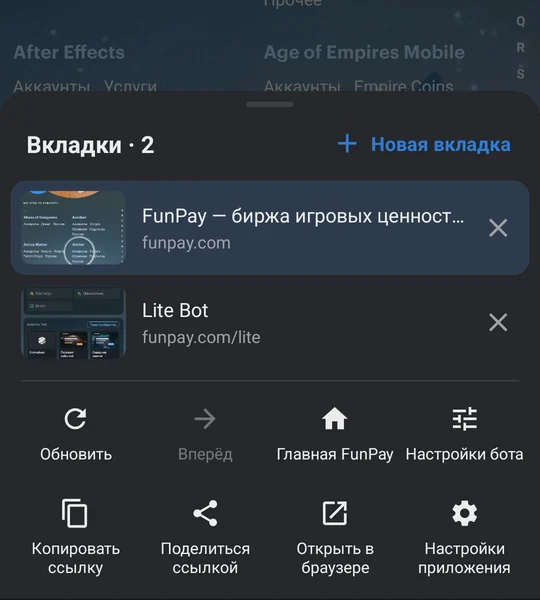
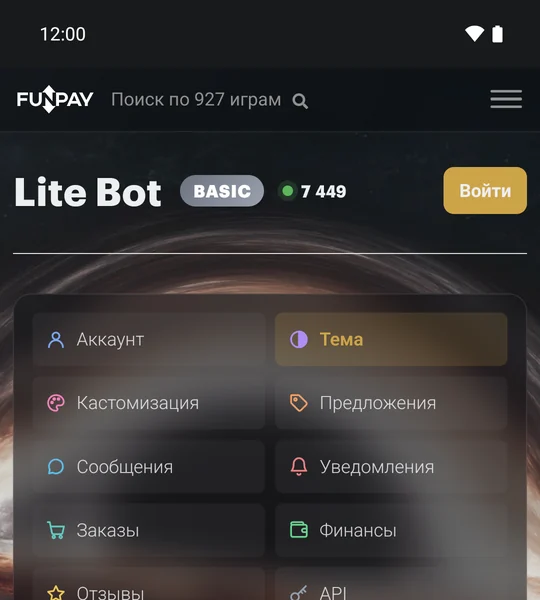
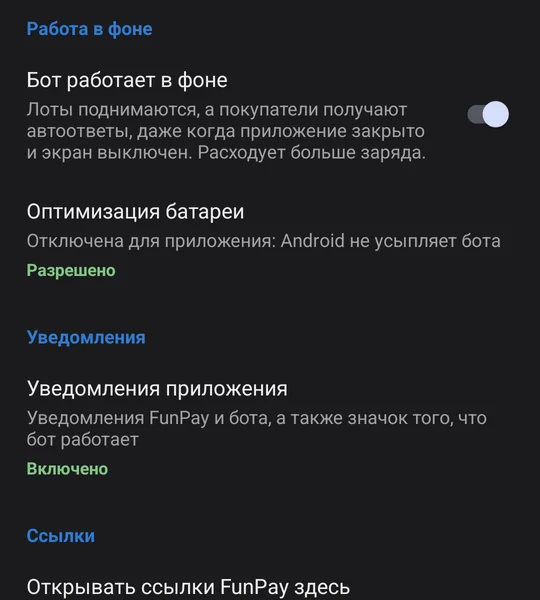
The app is called FunPay Lite Client or Lite Bot для FunPay. Is that it?+
Yes, it's the same app, and FunPay Lite Bot runs inside it. From RuStore it installs as "Lite Bot для FunPay"; from this site and on iPhone, as FunPay Lite Client. That's the name you'll see on the home screen and in your phone's settings.
Why TestFlight and not the App Store?+
TestFlight is Apple's official app for beta versions. While FunPay Lite Client for iPhone is in beta, that's where it comes out. Updates arrive through TestFlight too: it sends a notification, and with automatic updates on it installs the new version itself.
Which iPhone do I need?+
One with iOS 18.4 or later. iOS 18 runs on iPhone XS, XR and every model since. If your system is older, update it first.
Does the bot work on iPhone when the app is closed?+
No. iOS doesn't let apps keep running in the background, so on iPhone the bot raises lots and answers buyers while the app is open. To keep the bot working around the clock, leave it running on a computer or an Android phone.
Why isn't it on Google Play?+
We're working on a listing. Until then the app has two official sources: RuStore and this site. Don't trust copies from other sites.
How do I update on Android?+
Installed from RuStore? Updates come through RuStore, like any other app. Installed the APK from this site? The app updates itself: twice a day it checks for a new version and offers to download it. It never downloads on mobile data by itself. On a version older than 1.1.2, download the new APK here once and install it over the old one; your settings and sign-in stay put. The link funpaylitebot.com/download/android always points at the latest APK.
Why is the app so big?+
There's a whole browser engine inside, which is what lets the bot run without any other browser. Best to download it over Wi-Fi.
Google sign-in asks for a passkey and won't let me in+
Android lets only a handful of big browsers use passkeys, and our app isn't one of them. At the passkey step tap "Try another way" and sign in with your password or a prompt on your phone. After that the app remembers you.
How do I install it without RuStore?+
Download the APK from the link under the RuStore button and open the file. The browser may warn that the file "can be harmful": it says that about every APK that isn't from a store. If Android asks, allow installs from this source for the browser you used, then go back. Tap "Install"; if Play Protect wants to scan the app, let it, or tap "Install anyway". An app installed this way updates itself.
Is it safe to install an APK from a website?+
From this page, yes. The app is signed with our key, and Android won't install an update with someone else's signature over it. SHA-256 checksums for every file are listed below.
Which file do I need?+
For almost everyone it's the "Download APK" link in the Android card (arm64-v8a). The other files are for older 32-bit phones and for emulators.